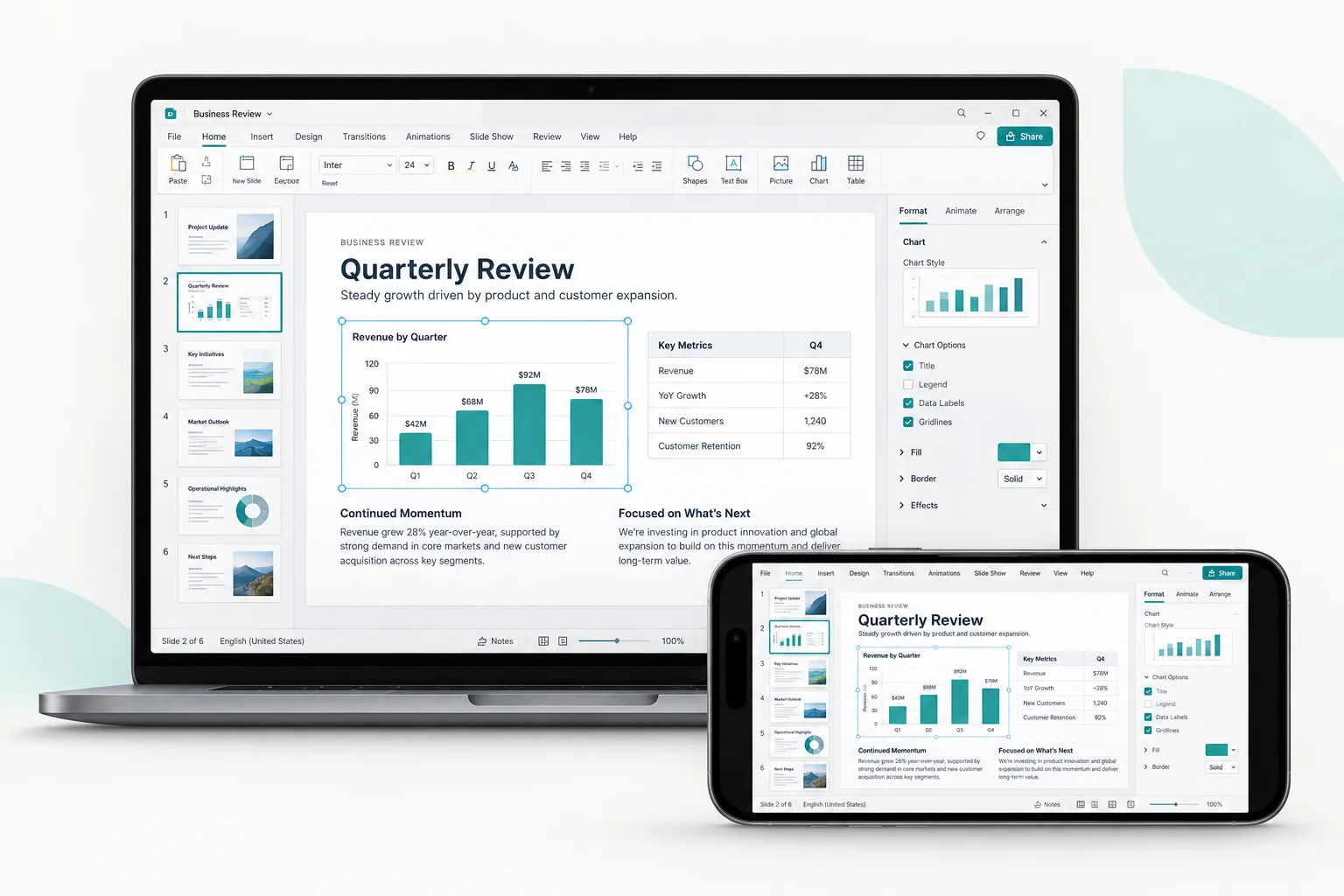
Finish work on your own computer.
Your apps and files stay on the computer. Connect from your phone to check a document, change a setting, or finish something you left open.
Explore remote workYour apps, games, and files stay on your computer. Reach them from the device you have with you.
 macOS
 WindowsiPhone & iPad
 Android
Your apps and files stay on the computer. Connect from your phone to check a document, change a setting, or finish something you left open.
Explore remote work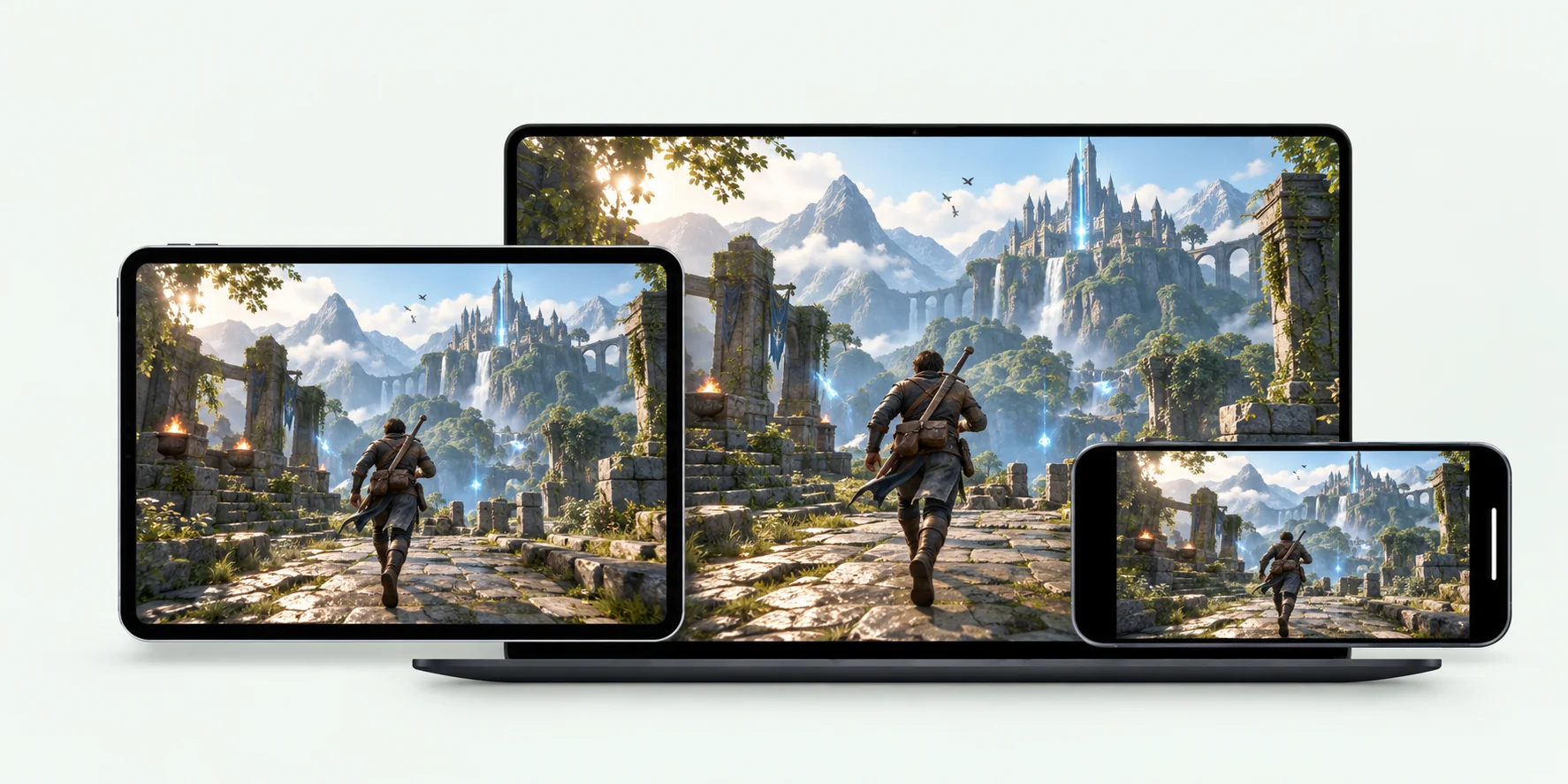
Play games on your own computer from another device. Use a controller, keyboard and mouse, or on-screen buttons.
Explore remote gaming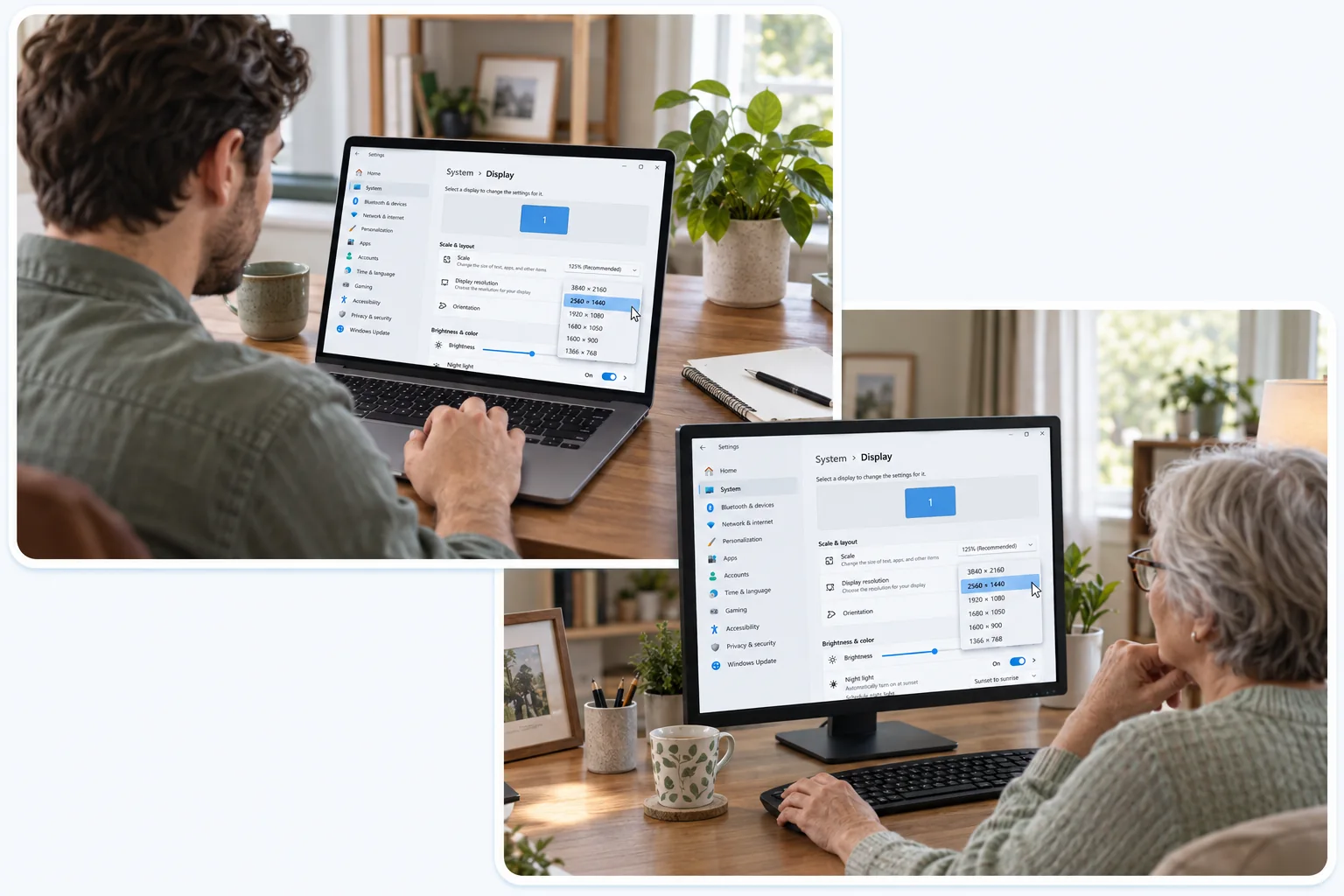
They approve your request on their computer first. Then you can see their screen and work through the problem with them.
Explore remote support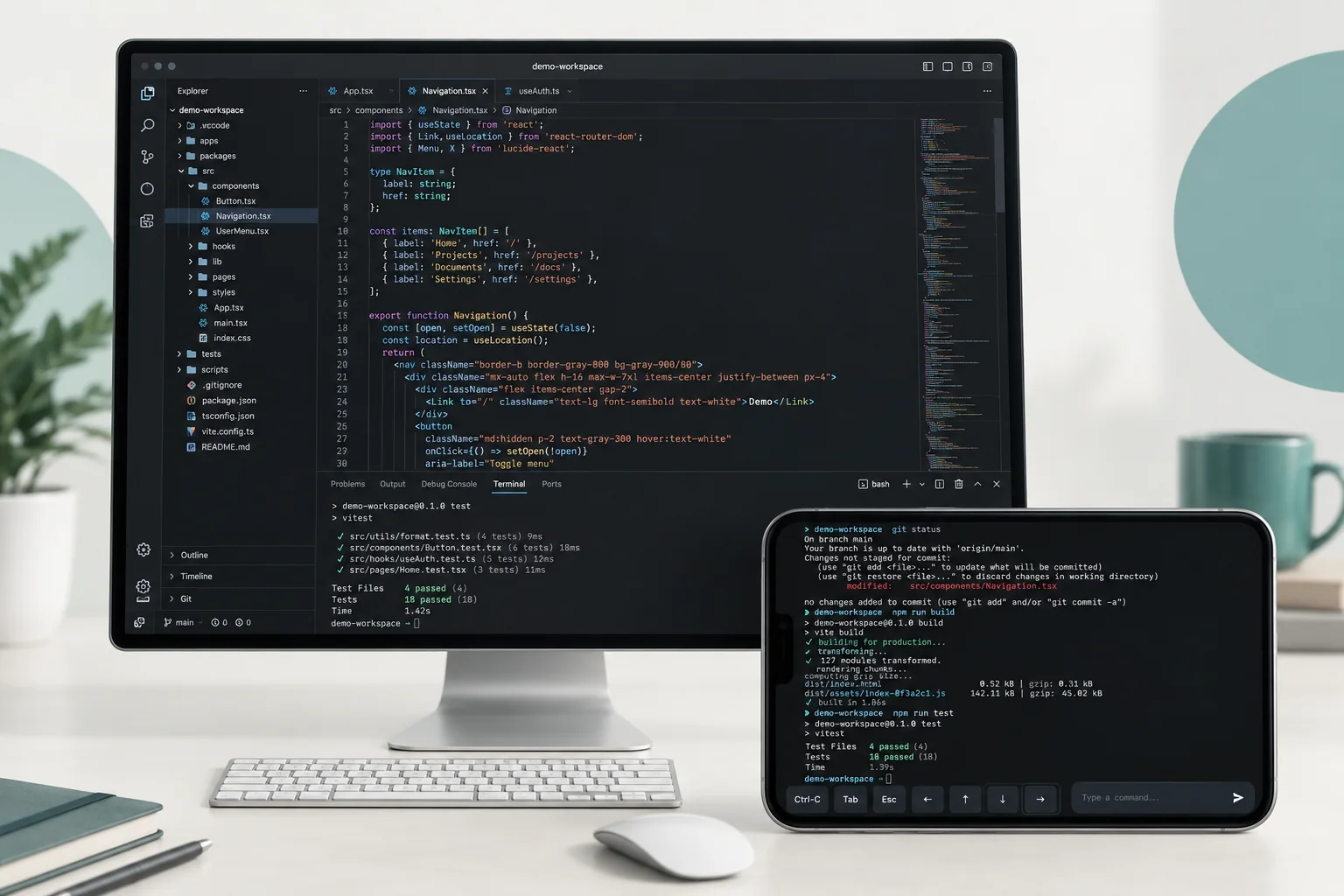
Open your editor to look over a build, or skip the desktop: Files downloads a document to the device in your hand, and Terminal runs a single command.
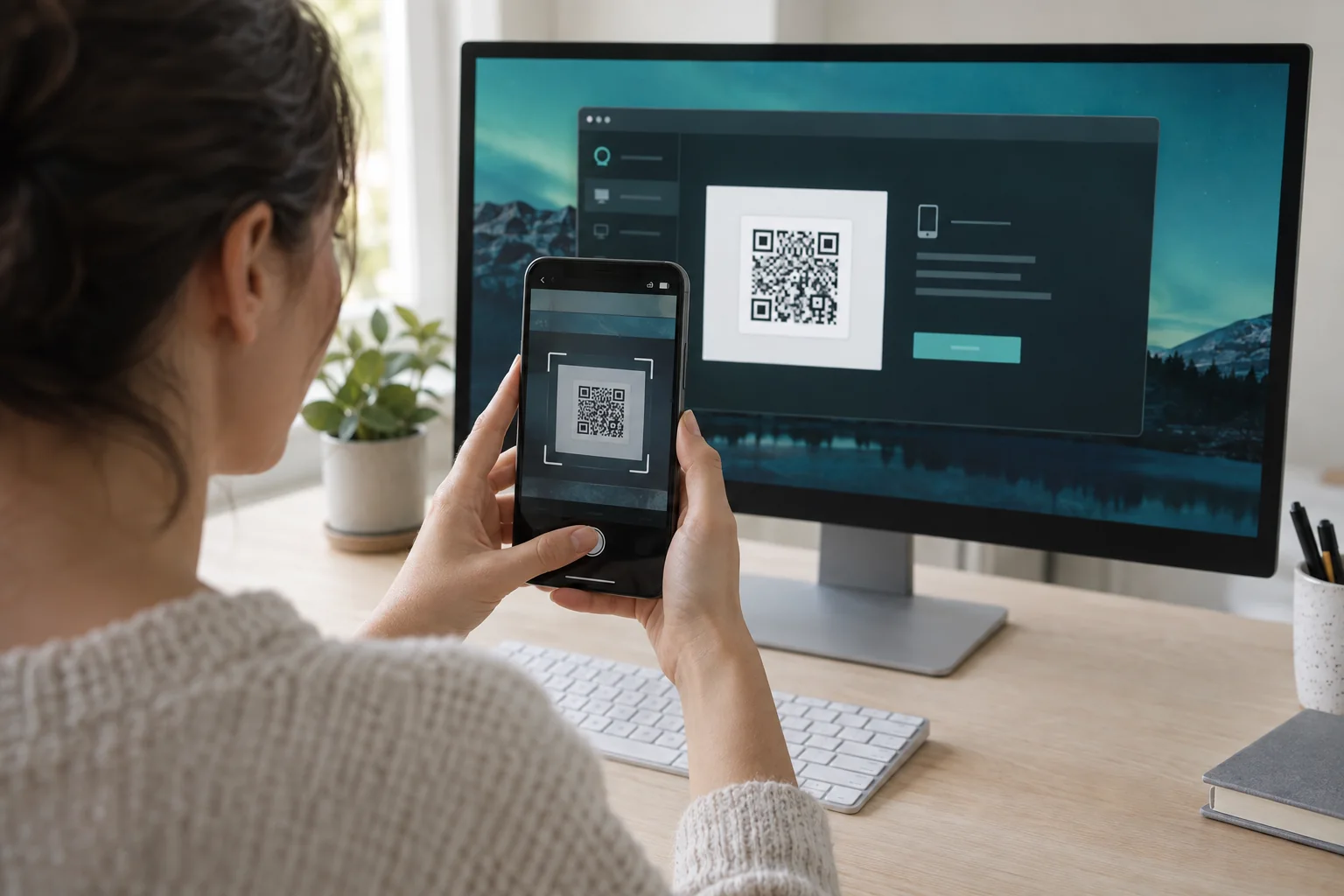
Explore remote codingInstall JollyLink on both devices and pair them while the computer is in front of you. After that, leave it on, awake, and online, and it stays in your device list.
JollyLink does not store remote-access data in the cloud. Connections are processed only while they happen.
Temporary support sessions wait for approval on the remote computer before access begins.
Allow only the screen, input, and file access you need.
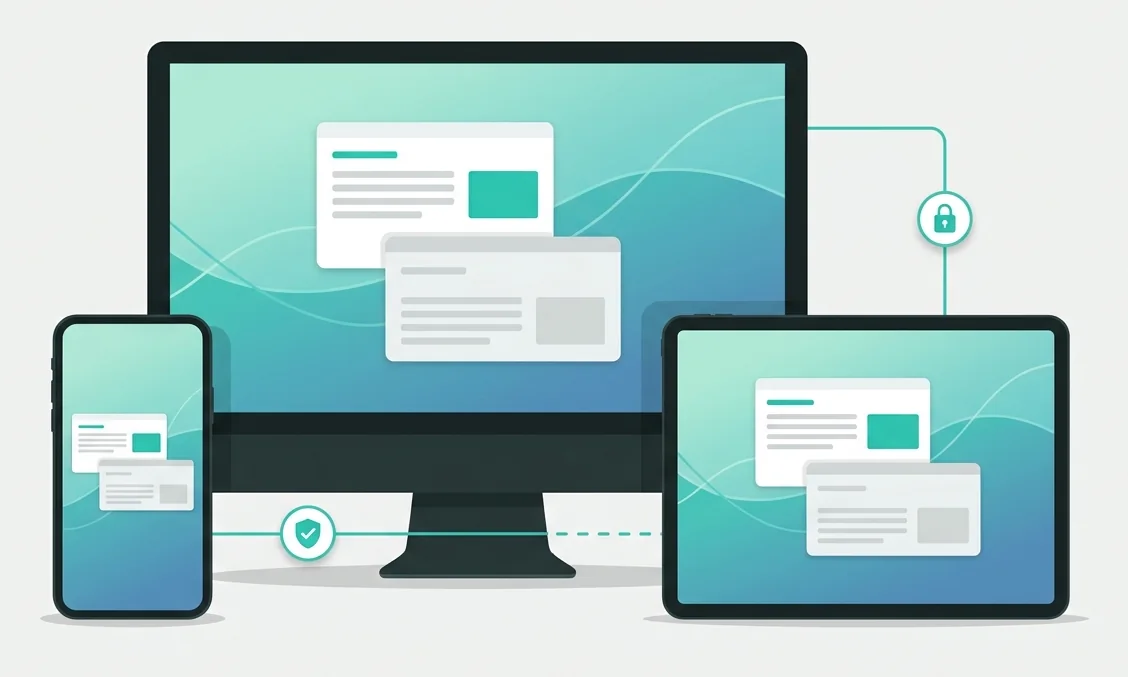
Session data travels through encrypted channels between your devices.
Install it on the computer you want to reach and on the device you carry.