Lean back. Controller ready.
Settle into the sofa and play with a compatible gamepad.
Use your desktop, play a game, retrieve a file, or keep coding from another device.
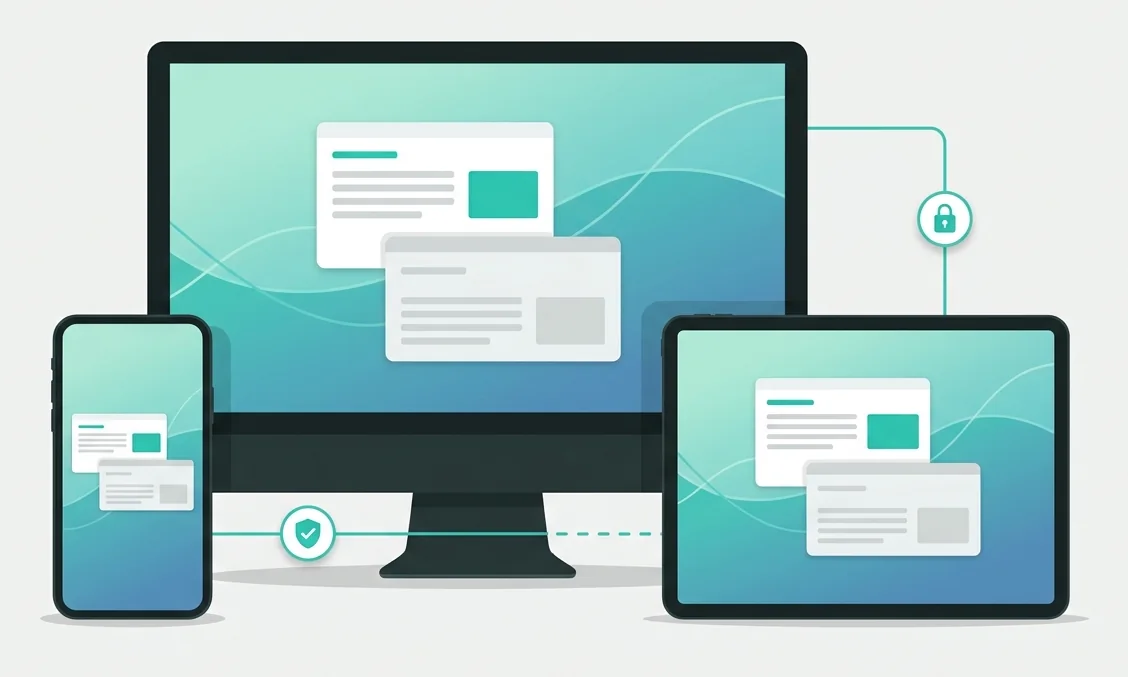
 macOS
 WindowsiPhone & iPad
 Android
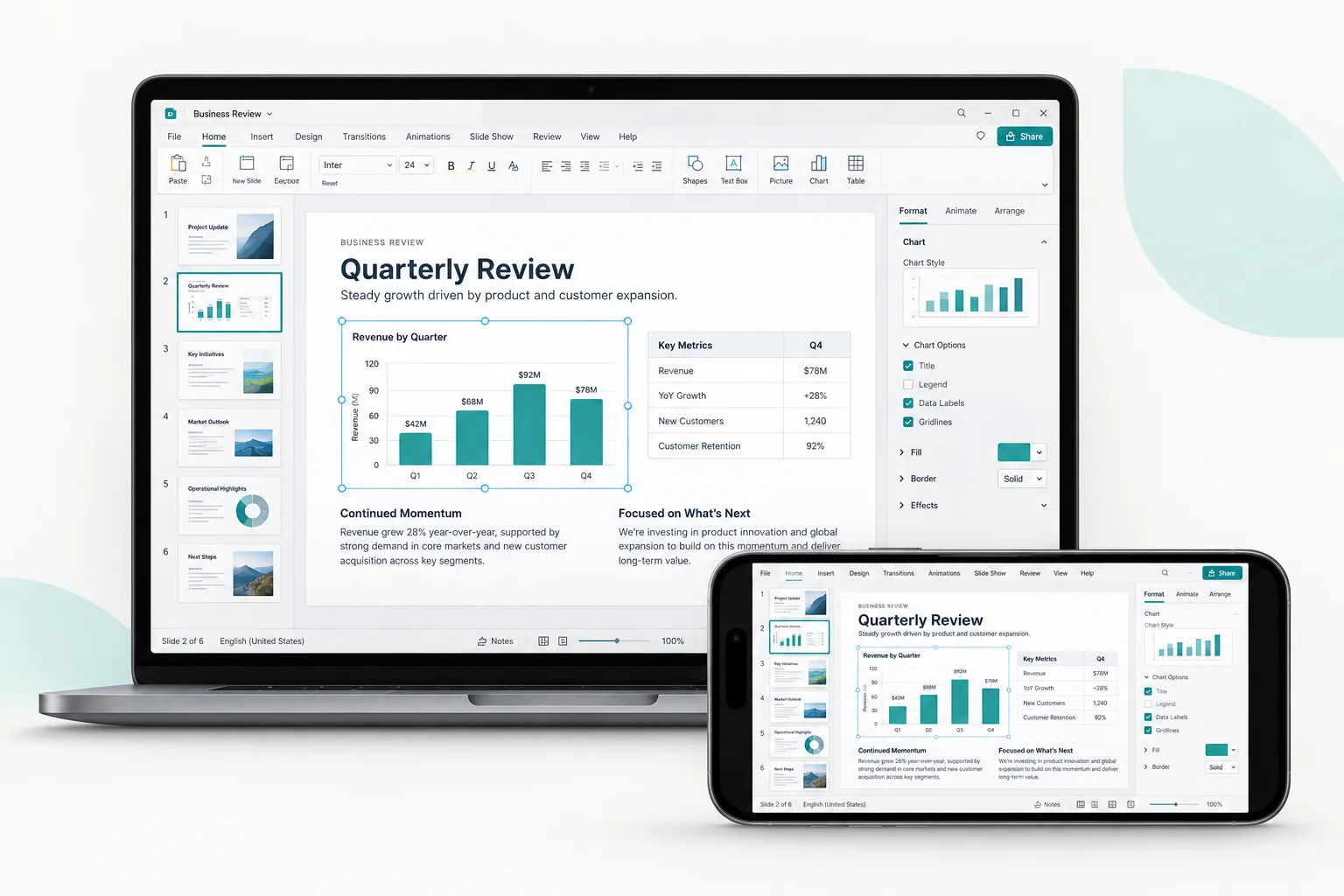
You see the computer’s screen and use its apps as they are. Move the pointer, type, and scroll from your phone, tablet, or another computer.
Pick the resolution and image quality that suit your screen and connection.
Switch between direct touch and trackpad-style control.
Connects directly when the network allows it, and falls back to a relay when it doesn’t.
Your computer runs the game. Pick up a controller, use your keyboard and mouse, or play with on-screen buttons.
Settle into the sofa and play with a compatible gamepad.
Use keyboard and mouse for the games you play that way.
Use virtual buttons on your touchscreen to control the game.
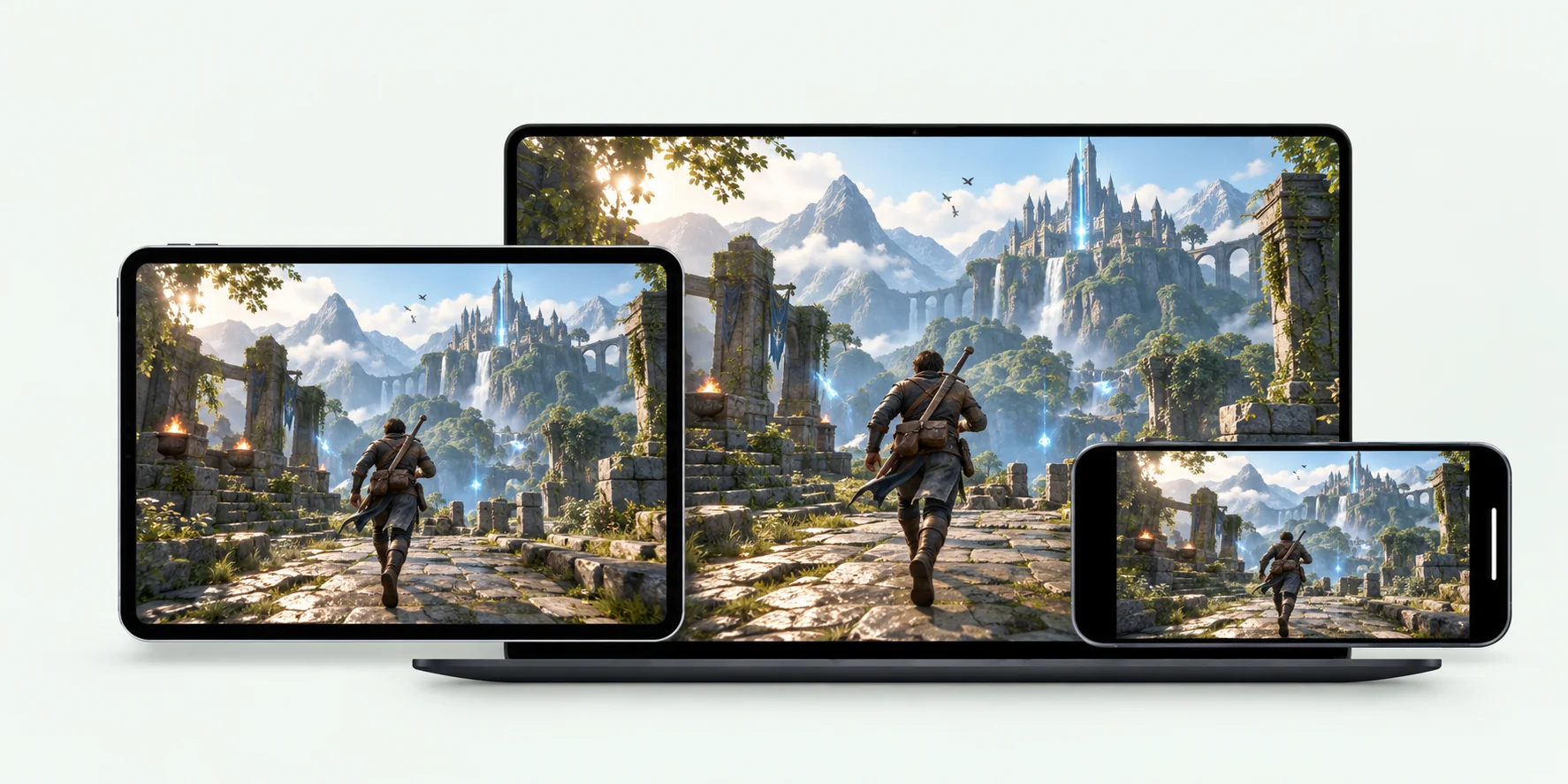
Supported controls vary by device, app version, and game.
Explore remote gamingOpen Files or Terminal for a quick task. Share clipboard text during a remote session.
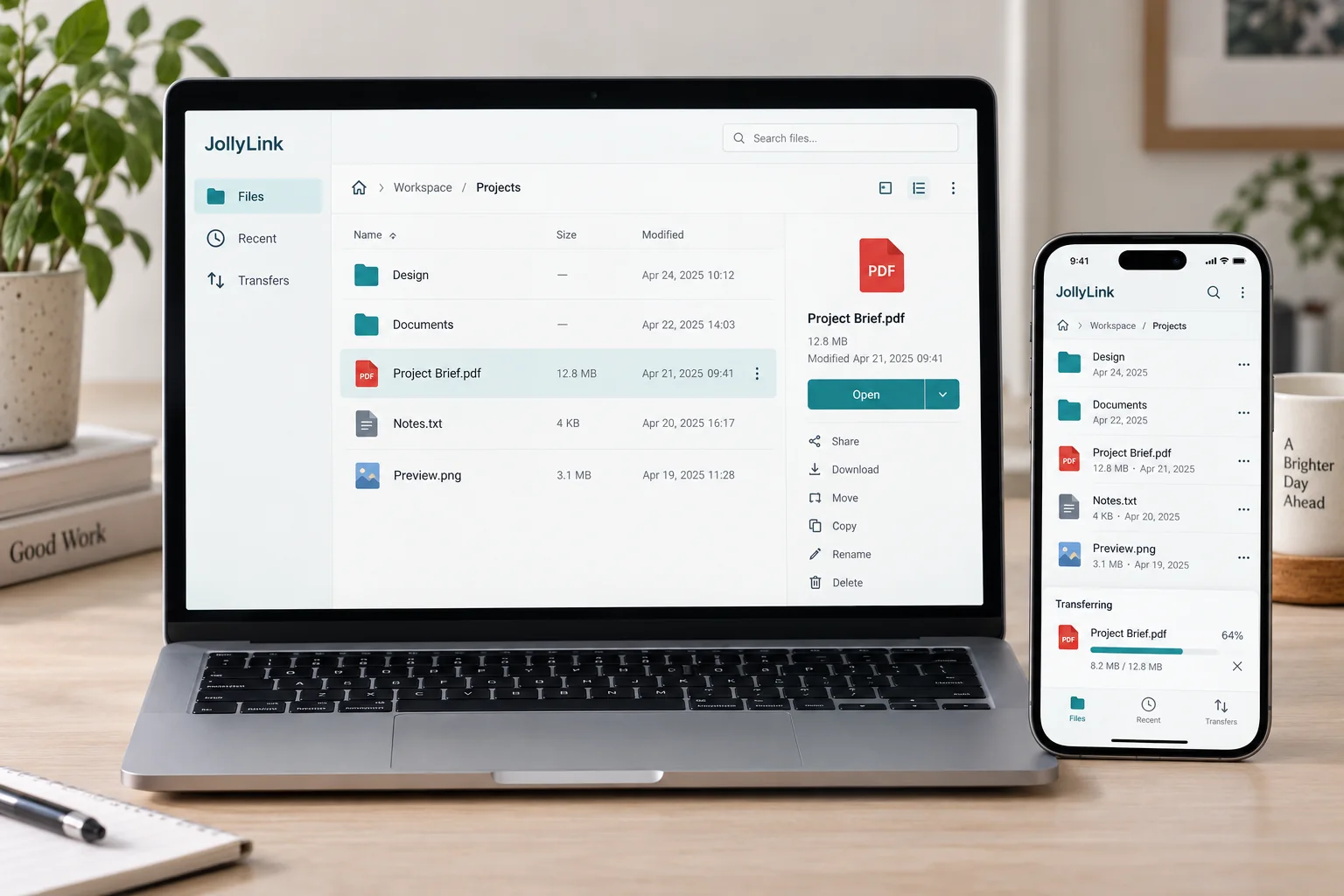
Browse a folder on your computer, preview a document, and download it to the device you’re holding.
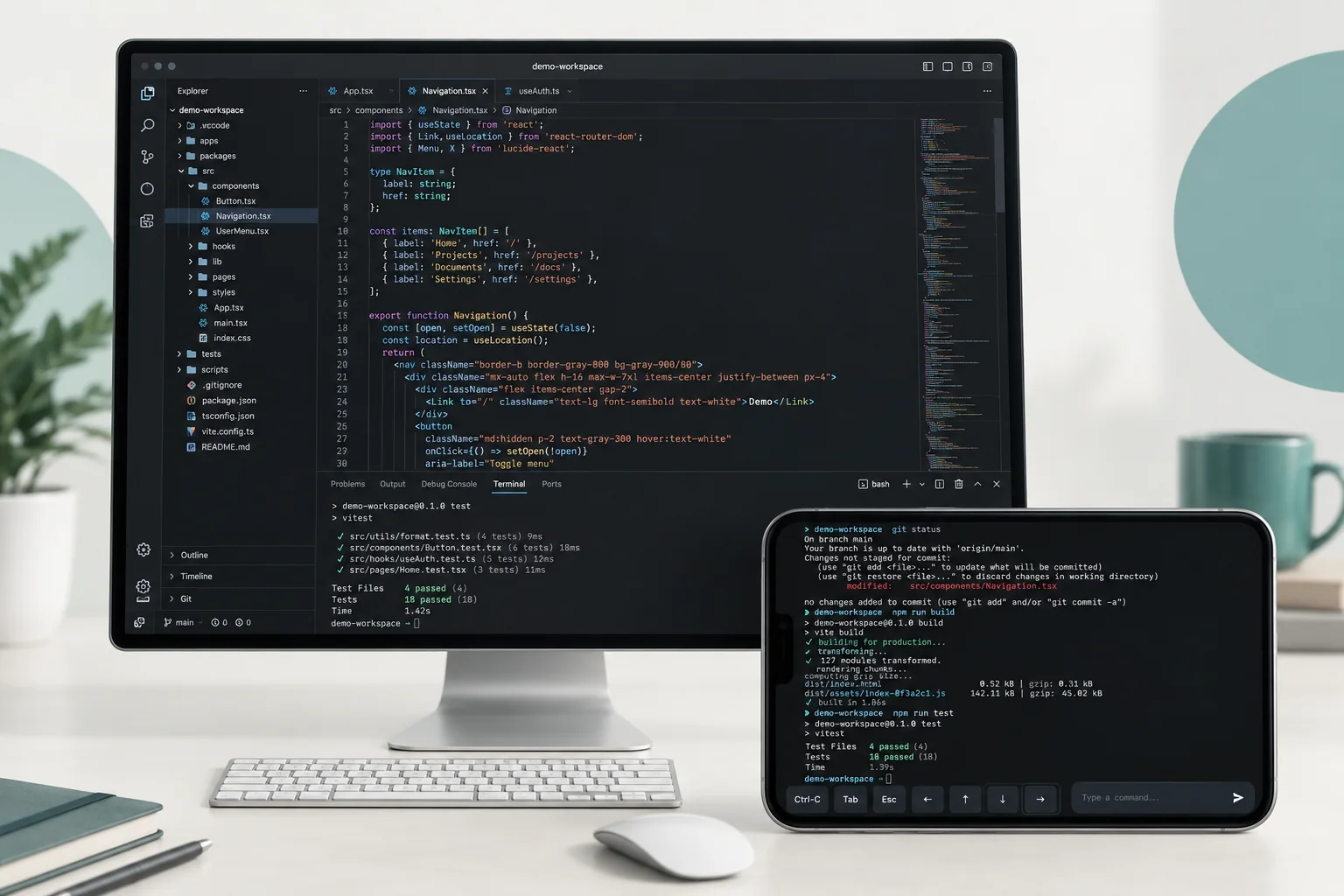
Run a command on your computer without opening the desktop. You authenticate when the session starts.
Copy text or a link on one device and paste it on the other. You can change how this works in Remote Preferences.
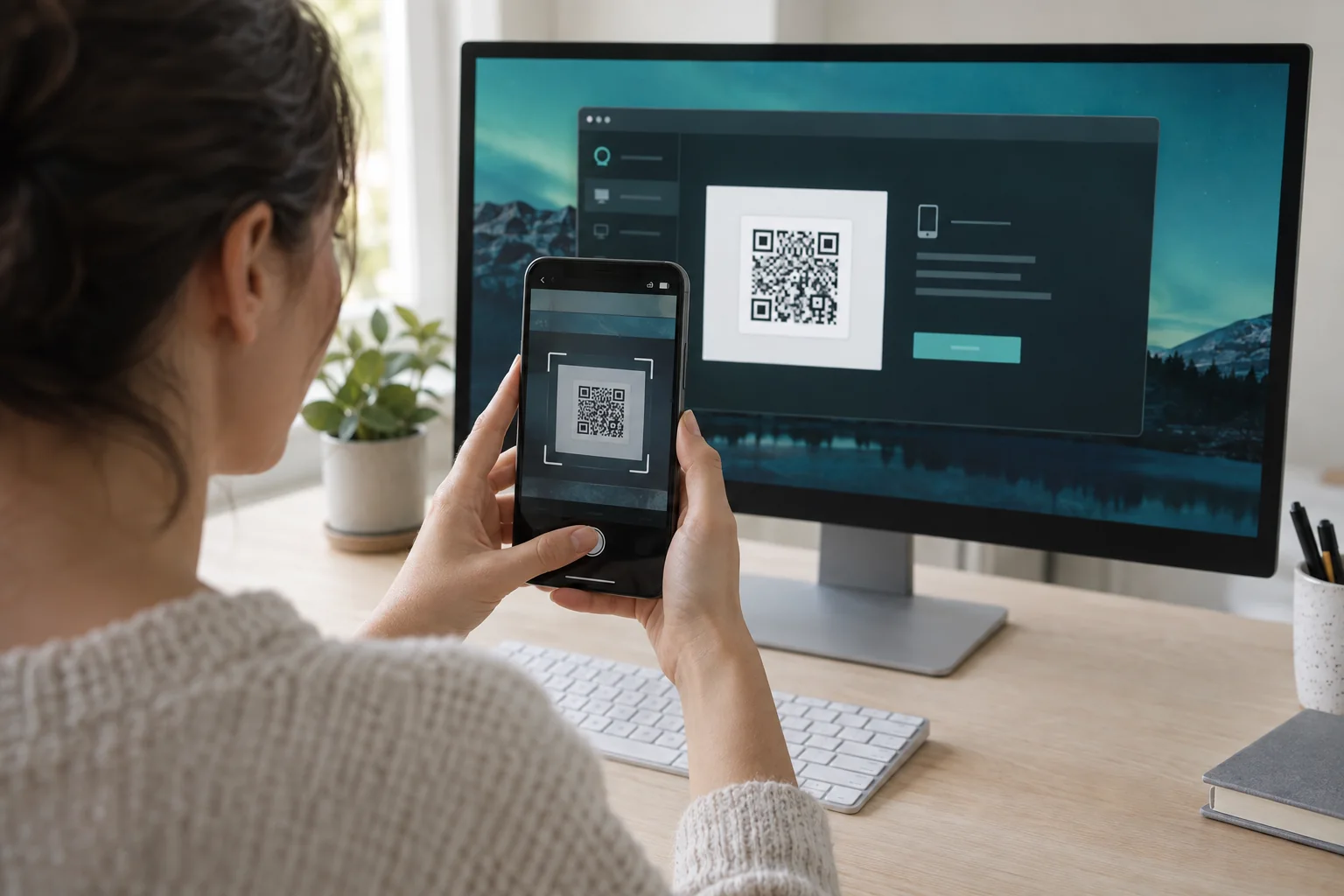
Install JollyLink on both devices first. Then, in My Devices, type the Device ID shown on the computer or scan its QR code, and approve the permission prompts on the computer.
Enter the Device ID shown on the computer you want to reach.
Scan the QR code on the computer’s screen. The camera is only used to read that Device ID.
Once paired, the computer stays in your device list. Leave it on, awake, and online, and you can connect again without pairing.
A support session doesn’t start until someone approves it on the computer, and you decide what the session is allowed to do.
Temporary support sessions wait for approval on the remote computer before access begins.
Allow only the screen, input, and file access you need. Connect only to devices you own or have permission to use.
Session data travels through encrypted channels between your devices.
Install it on the computer you want to reach and on the device you carry.