Finish a document
Make a change in the desktop app you already use.
Open the apps and documents on your computer from the device with you.
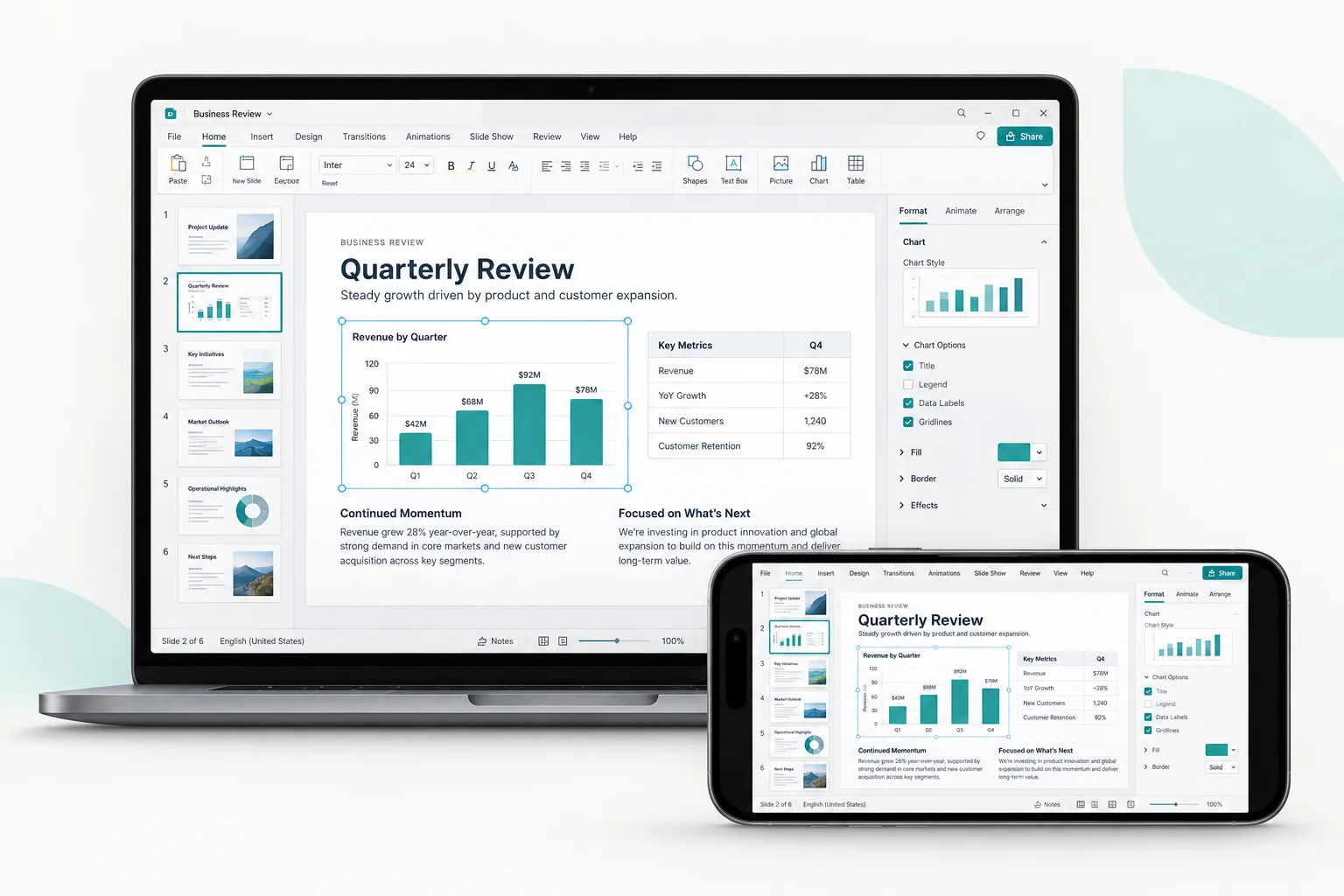
Make a change in the desktop app you already use.
Download the document you left on your computer.
Return to the apps and folders you know.
Install it on the computer you want to reach and on the device you carry.
 macOS
 Windows
 Android