See their screen
Understand the problem without a long description.
Connect with permission and work through a computer problem together.
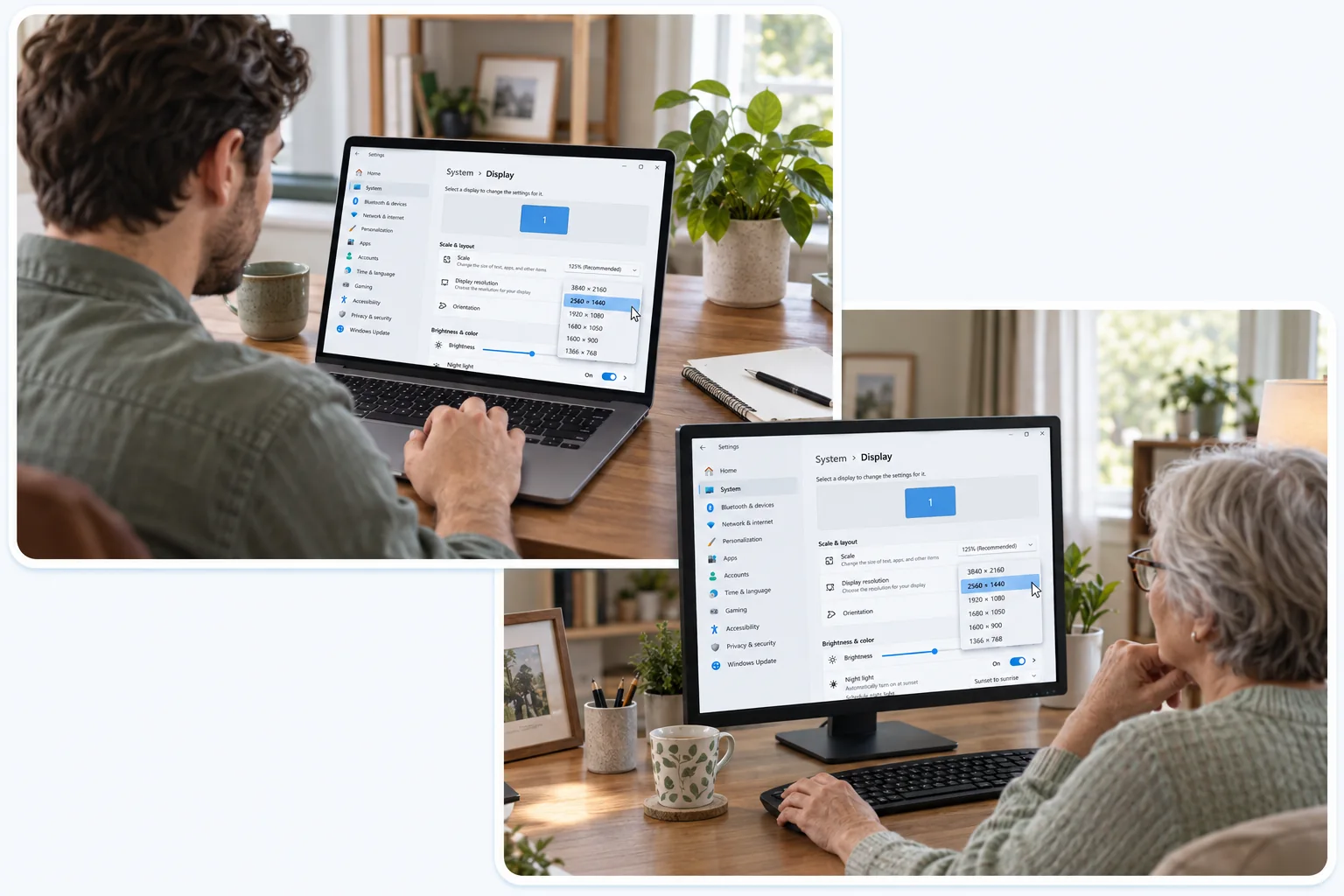
Understand the problem without a long description.
Navigate the remote desktop and adjust a setting.
Connect only with permission and end the session when you’re done.
Install it on the computer you want to reach and on the device you carry.
 macOS
 Windows
 Android