Keep your project moving.

Open a remote Terminal or return to your desktop editor when you’re away.
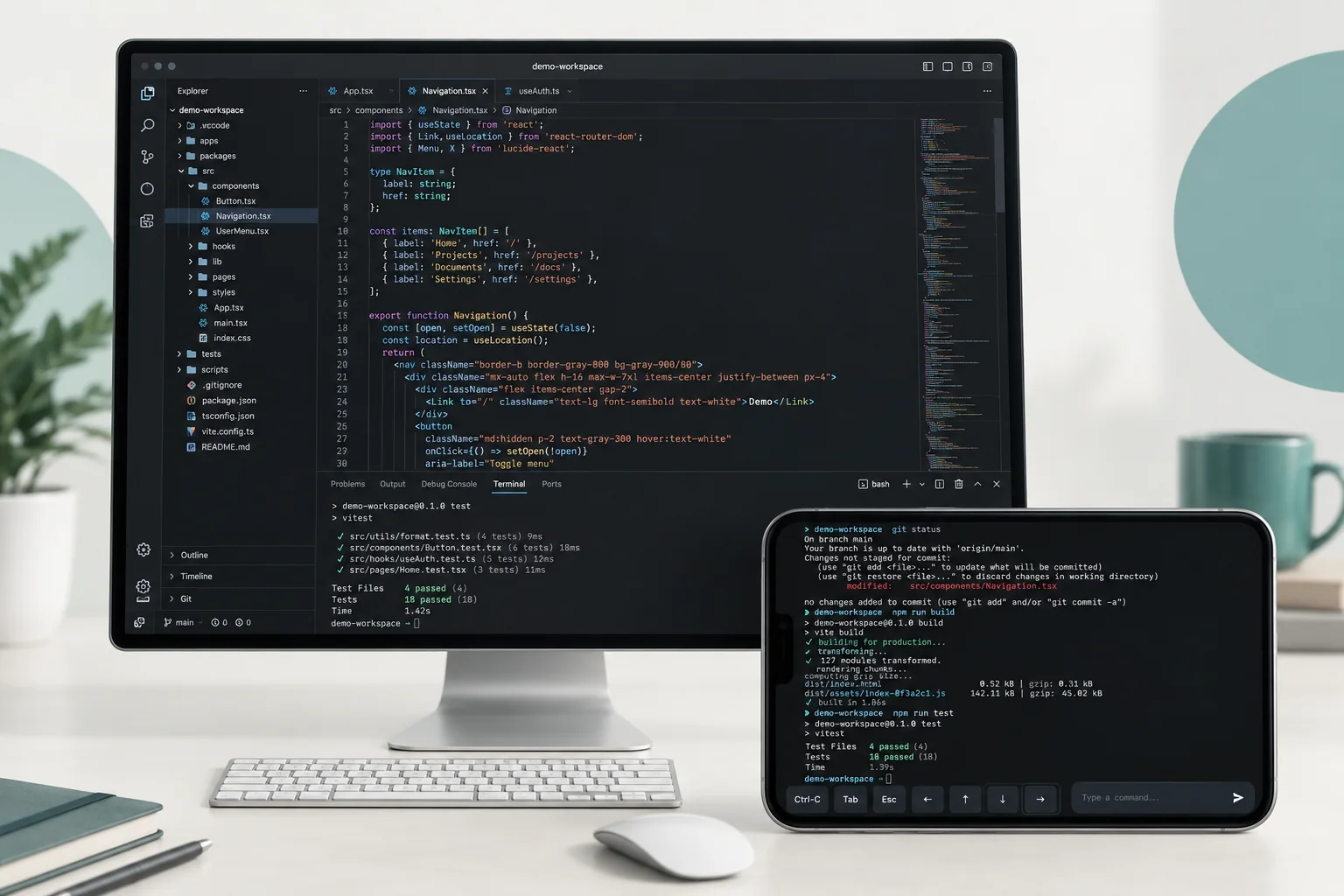
Concept: a desktop code editor and landscape phone terminal show a project with command history, build output and test results.

Run a command

Use Terminal to work in your remote project.

Check a build

Inspect output and follow up on a task from your phone.

Return to your editor

Open the desktop when you need the full workspace.

Ready when you need it.

Keep the computer awake, online, and running JollyLink.

Read the setup guide
  1. Install JollyLink on both devices.
  2. Enter the computer’s Device ID and authenticate.
  3. Open a test session before you head out.

Get JollyLink.

Install it on the computer you want to reach and on the device you carry.