Lean back with a controller.
Settle into the sofa and play with a compatible gamepad.
Bring the games on your computer to another screen. Same computer. Same saves. A different place to play.
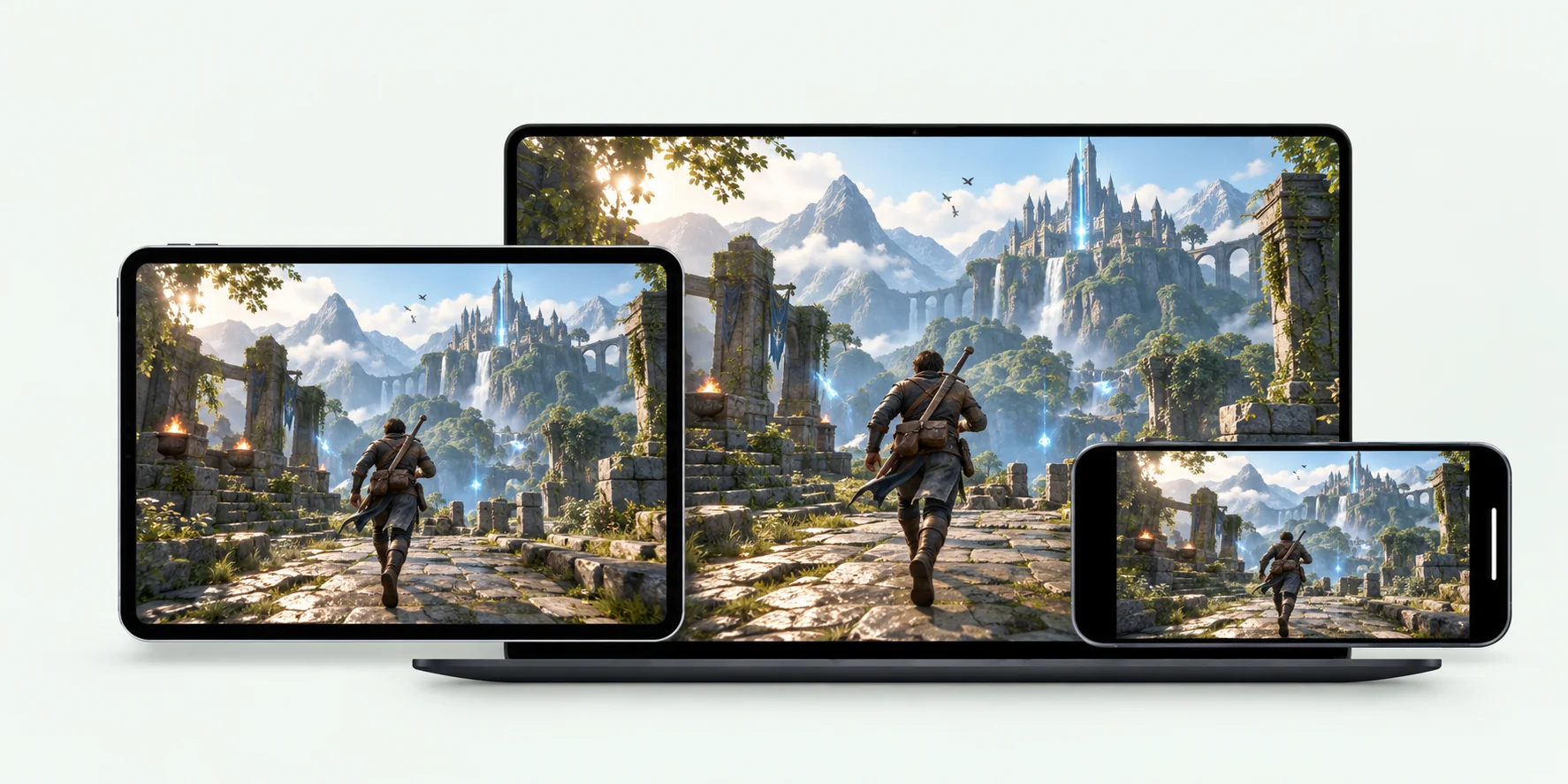
Controller, keyboard and mouse, or on-screen buttons.
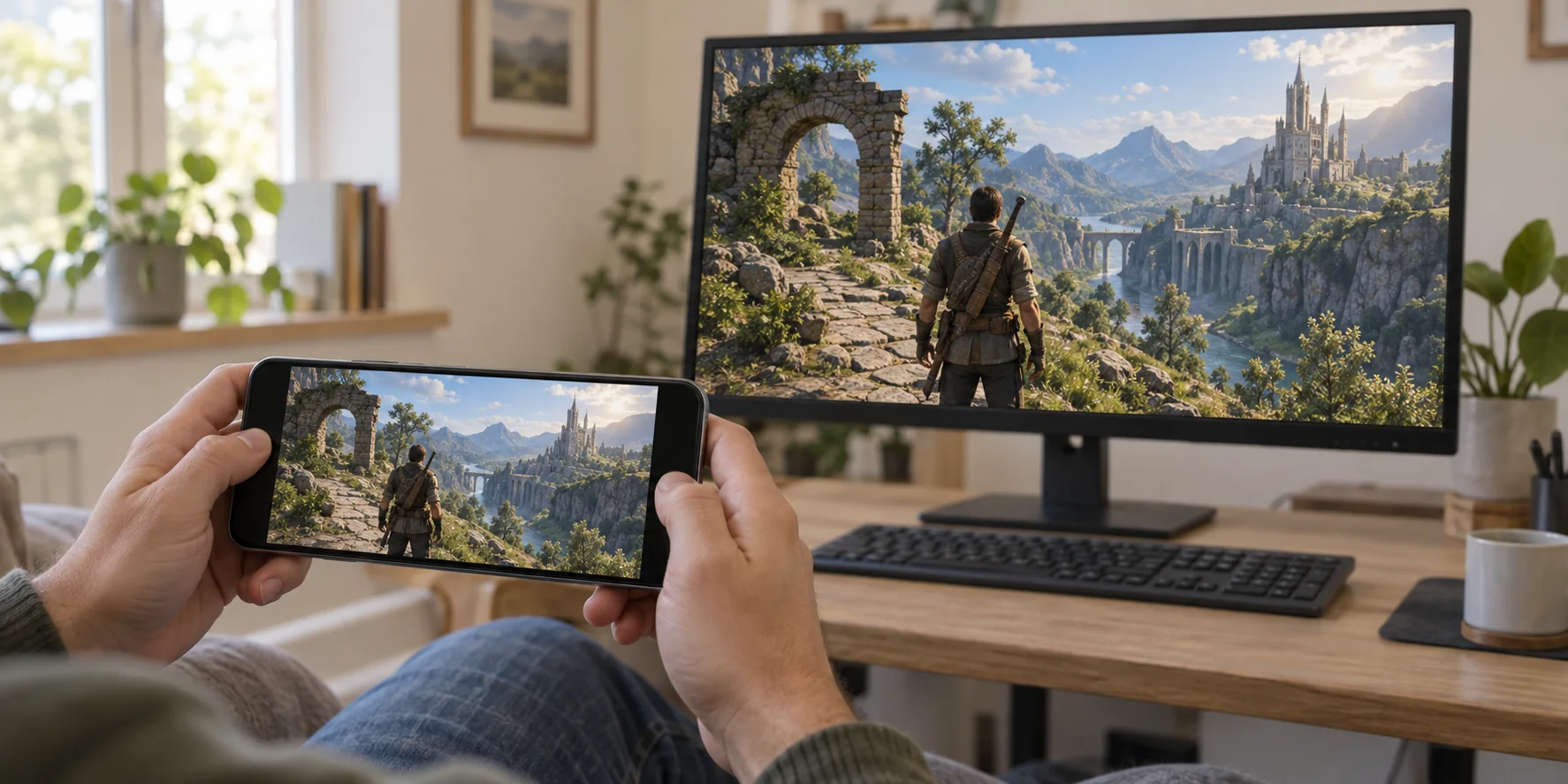
Settle into the sofa and play with a compatible gamepad.
Use keyboard and mouse for the games you play that way.
No controller with you? Use virtual buttons on your touchscreen.
Control availability depends on your devices, app version, and the game.
Open the games installed on your computer and use the saves already there. No hosted gaming PC or separate game library.
JollyLink tries a direct connection first and uses a relay when needed. Responsiveness depends on the network at both ends.
Adjust resolution and stream quality for your screen and connection. Lower the quality when you need a more responsive session.
Install it on the computer you want to reach and on the device you carry.
 macOS
 Windows
 Android