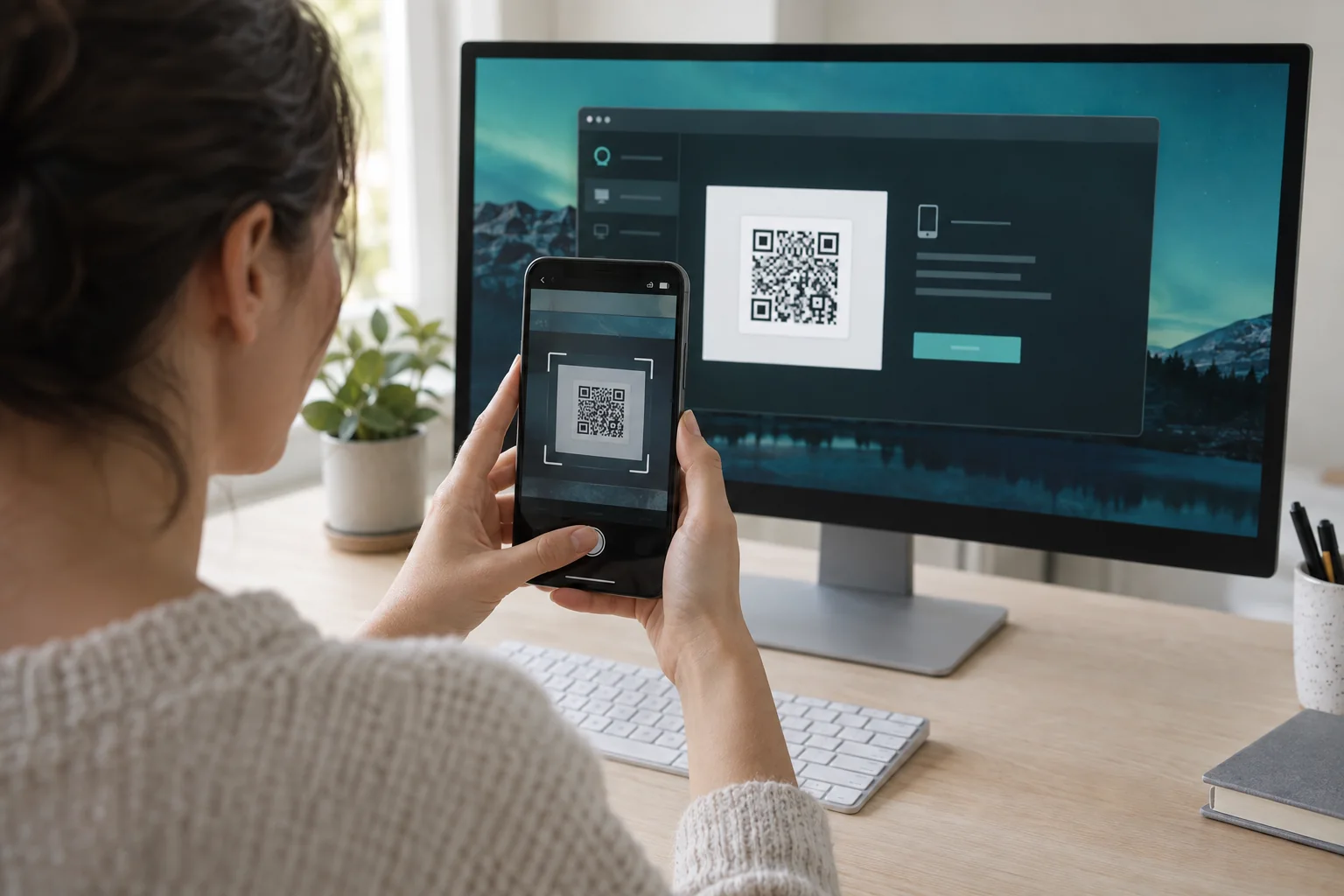
Connect to your computer with JollyLink
Your first JollyLink session, from entering a Device ID to fixing a blank screen when macOS screen recording is not allowed yet.
Step-by-step guides for setting up a computer for remote access, and for working from it on another device.
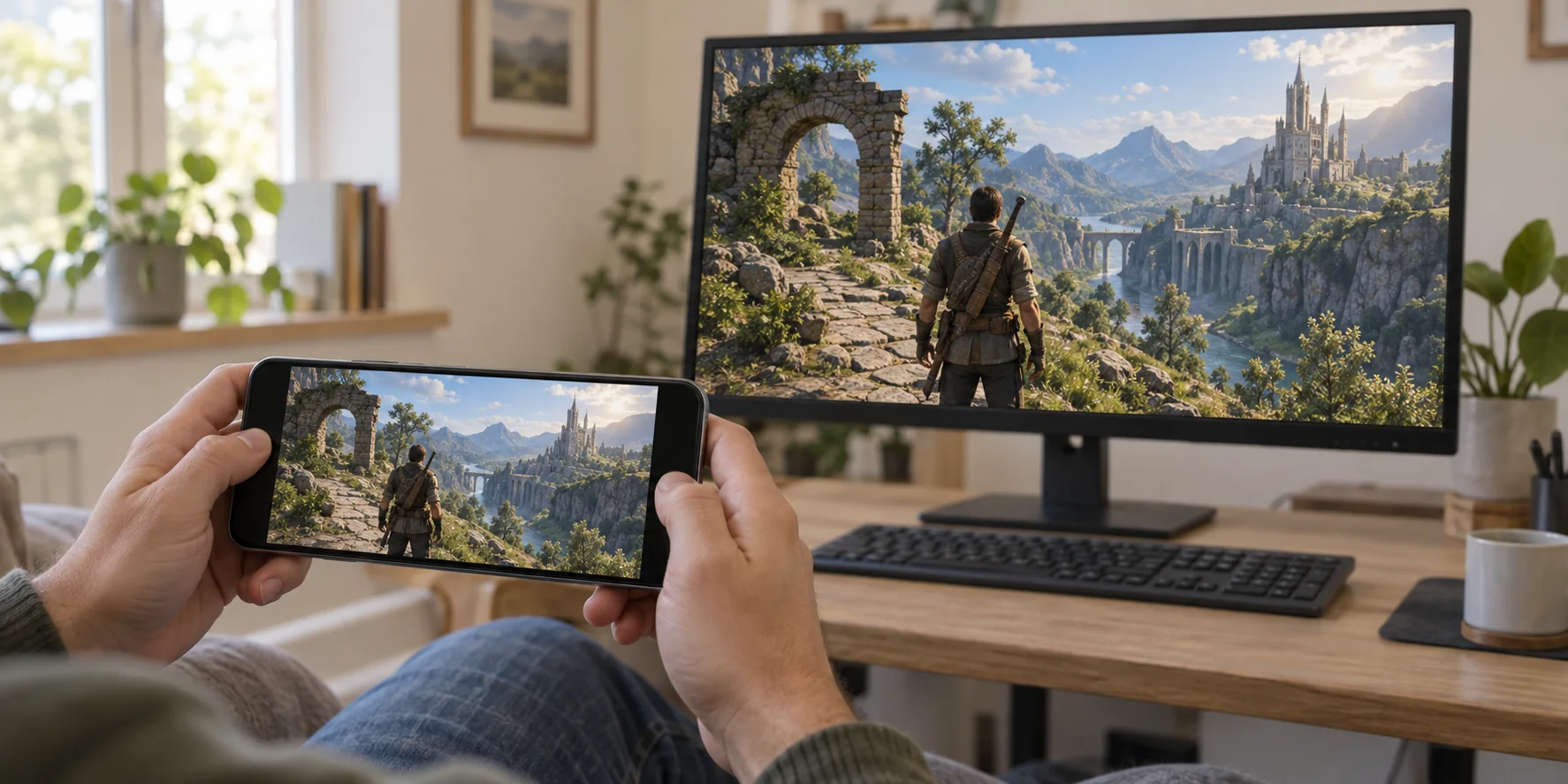
The game stays installed on your computer and streams to the device in your hand. What to check on the host before you play from another room.
Read articleYour first JollyLink session, from entering a Device ID to fixing a blank screen when macOS screen recording is not allowed yet.
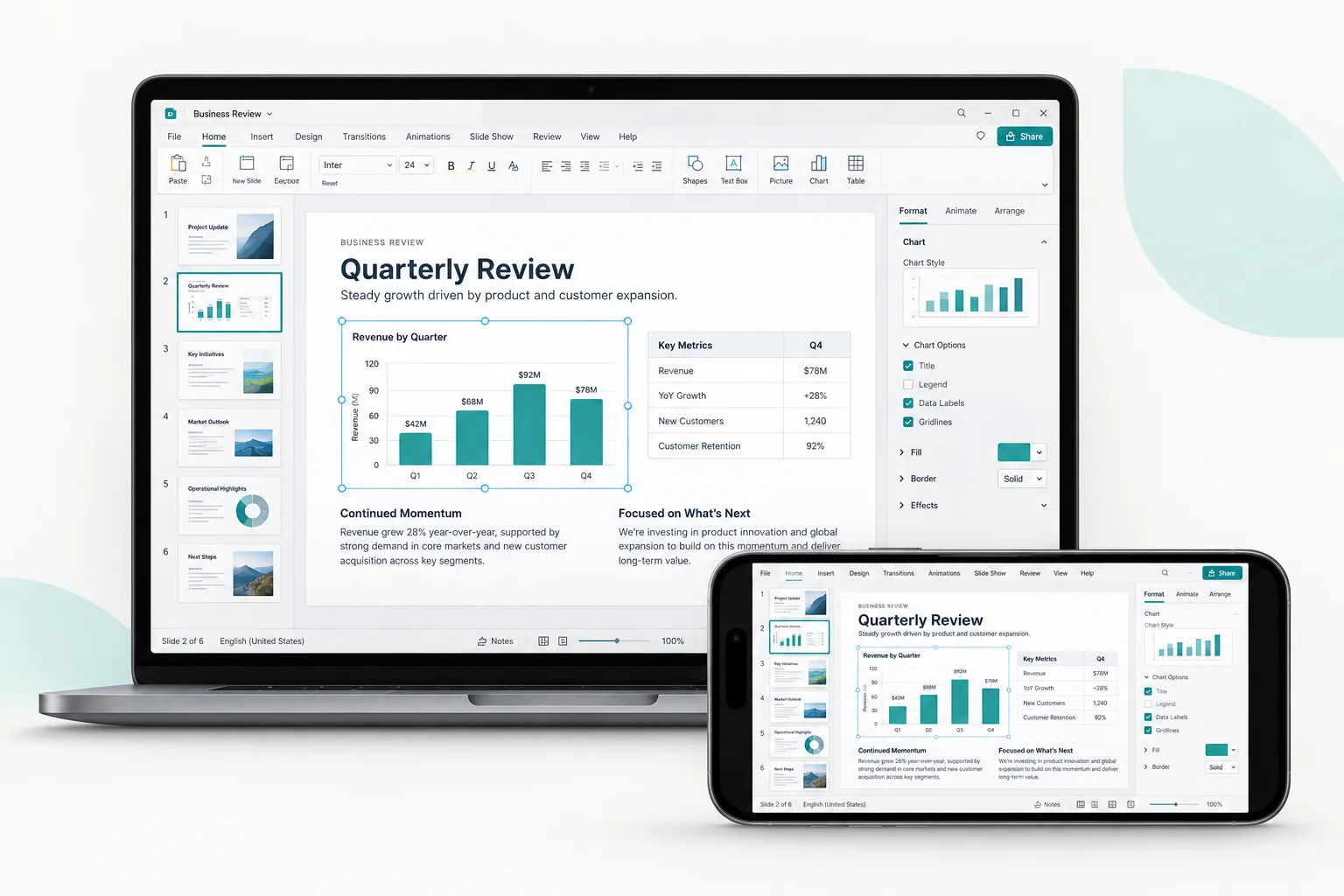
What to test while the computer is still in front of you, starting with the power and sleep settings that decide whether it stays reachable.
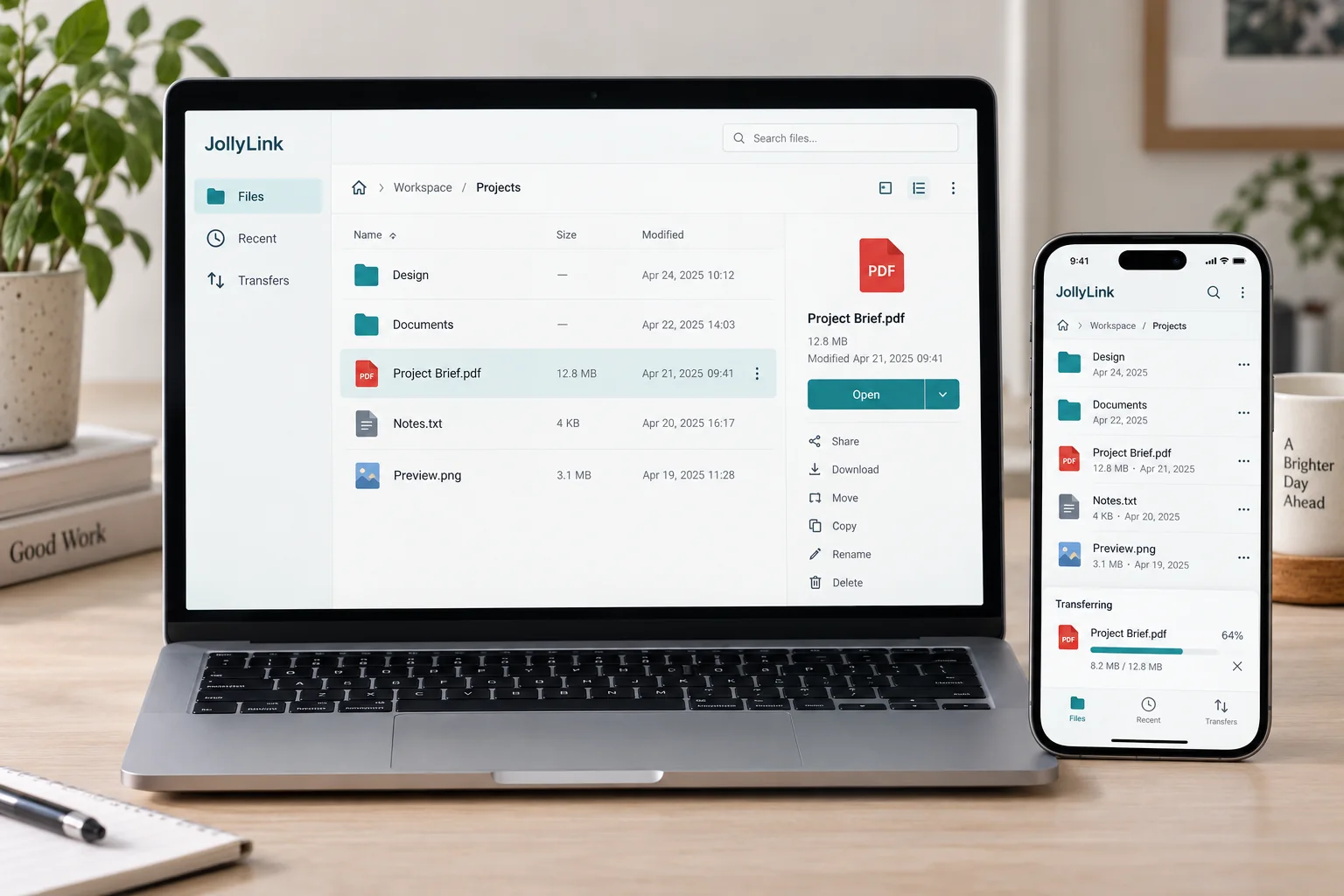
Files shows the folders on your remote computer and puts a copy on the device in your hand. Why that copy does not stay in sync with the original.
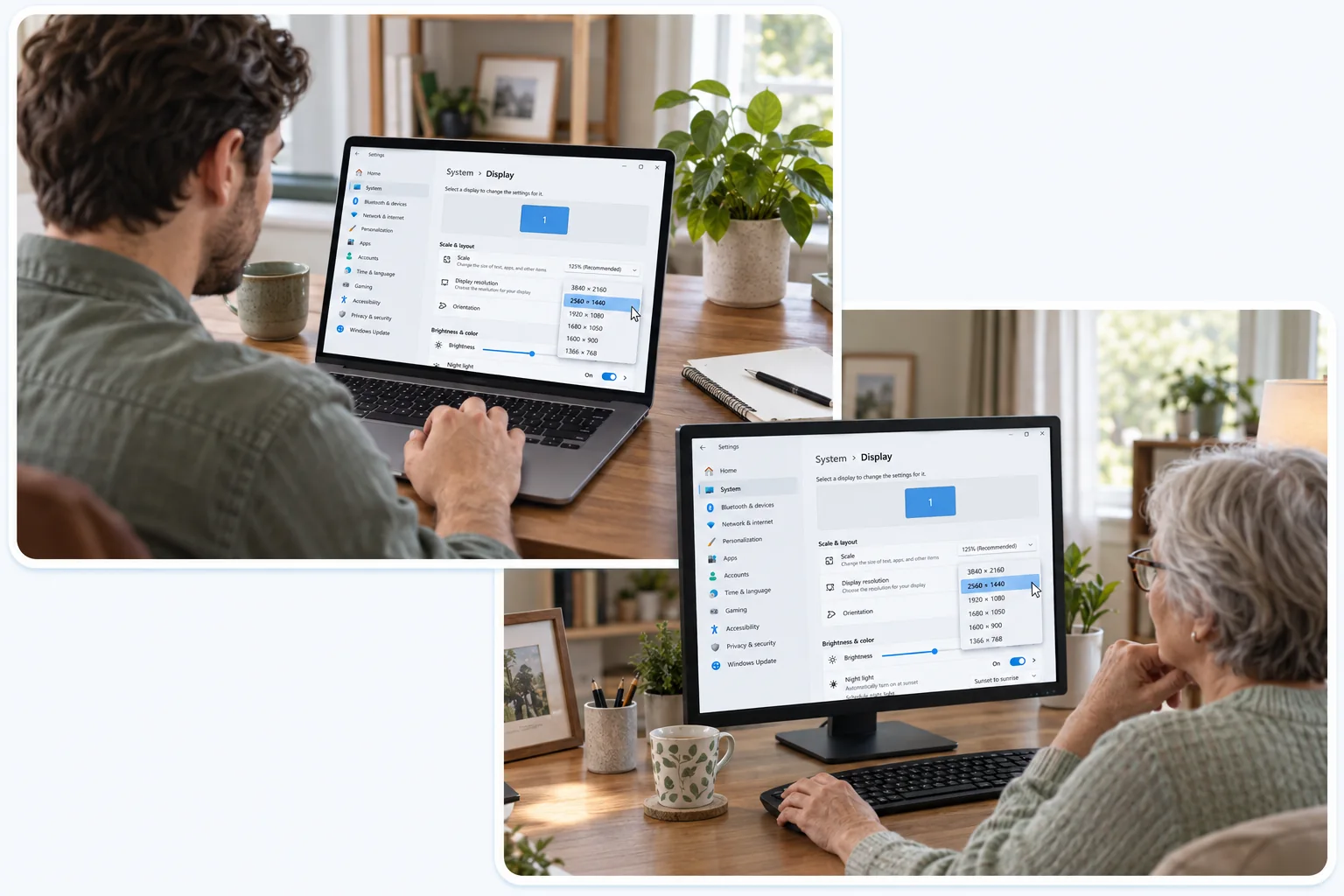
The person at the computer approves the request on their own screen first. What to agree on before you connect, and how to hand the task back.
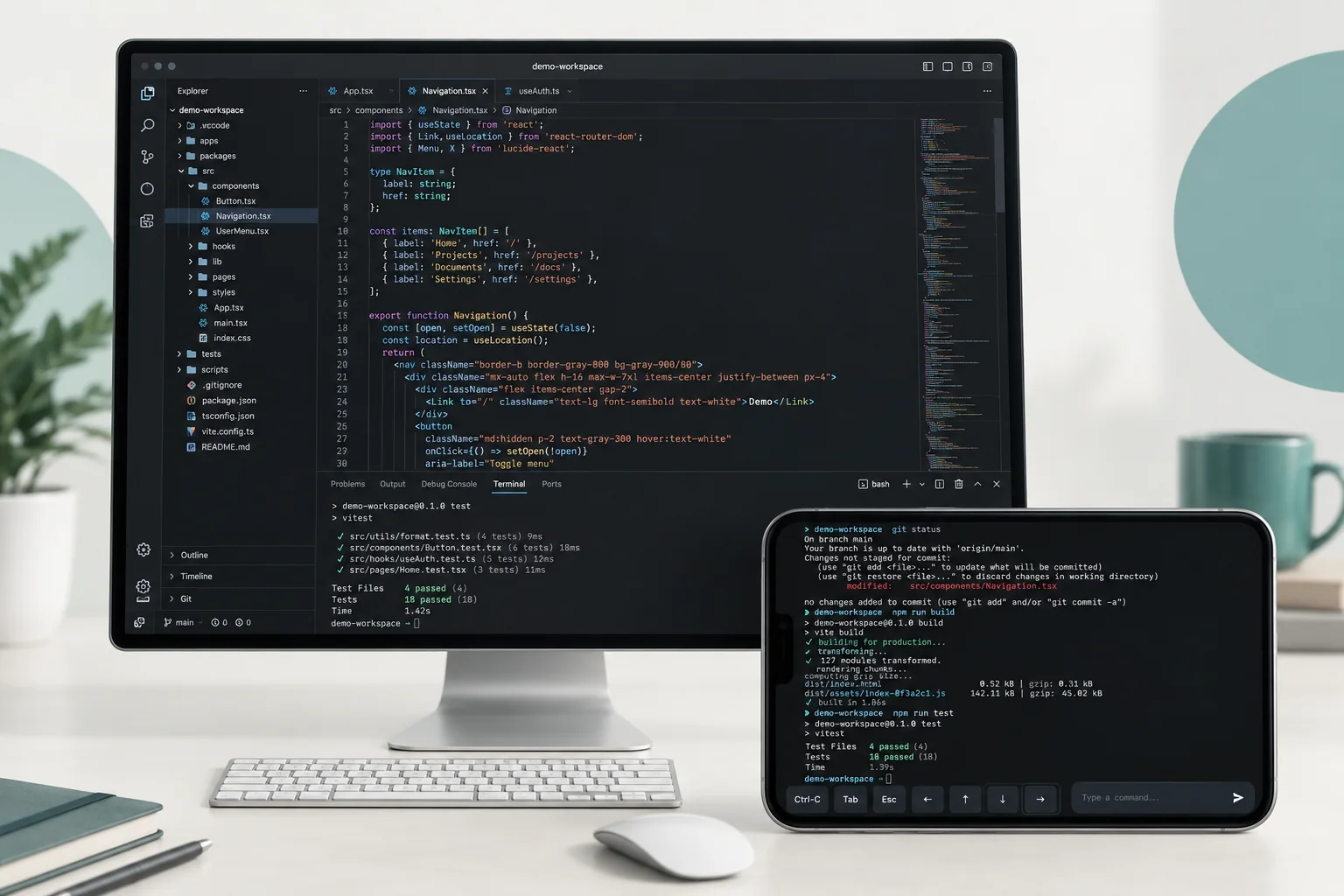
One job needs your editor and a browser window; the other is a single command. How to choose between a desktop session and Terminal.