Help someone through a remote session
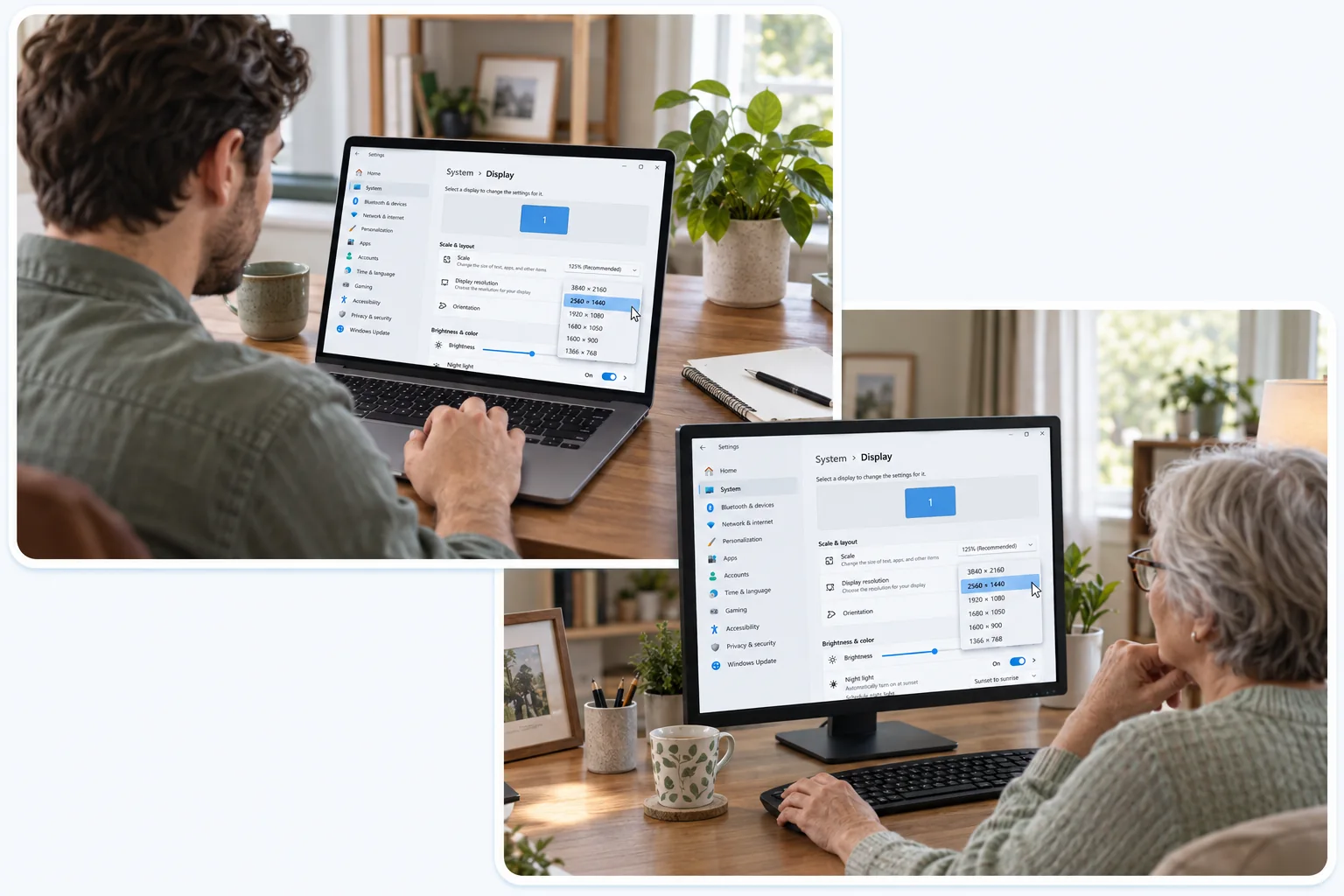
You cannot reach someone’s computer without them. They open JollyLink, give you their Device ID, and approve your request on their own screen before anything happens. That makes the conversation around the session as important as the session itself: agree on what you are fixing, say what you are changing as you go, and close the connection once the task is done.
Agree on the task before connecting
Ask the person to save whatever is open and close anything unrelated. Then be plain about what they are agreeing to: you will see their screen, and with the necessary permissions enabled you will be able to control the computer as well.
Have them open JollyLink and read you their Device ID themselves. A Device ID is a key to their computer, and it belongs only with people they already trust.
Let them approve the connection
Enter the Device ID, then wait. Your request appears on their computer, and nothing starts until they have read it and approved it there.
Once you are in, ask them to reproduce the problem rather than describe it. Say what you are about to change before you change it, move a step at a time, and look at the result together. A blank screen at this point points at the host’s screen-sharing permissions, not the connection.
Finish with a clear handover
Before you disconnect, have them do the original task themselves. That is the only real confirmation it is fixed. Then tell them what you changed, and what if anything is left for them to do.
Close the session once the agreed task is finished. A one-off request needs temporary approval and nothing more; ongoing access to someone else’s computer is not a convenience to leave behind by default.